Two products · Built by builders
Close the job. Keep it closed.
Punchout runs your punch list from final walk to signed-off closeout. Solve picks up everything after — warranty claims, maintenance, and the calls that used to eat your mornings. Two products, one system.
Built by builders in Nashville, TN — running on real jobsites today.


00 / The lineup
Two products. One system.
Punchout closes the building out. Solve keeps it running. Both built in the field, not a tech office.
 Knock out the list.
The punch list your subs actually close
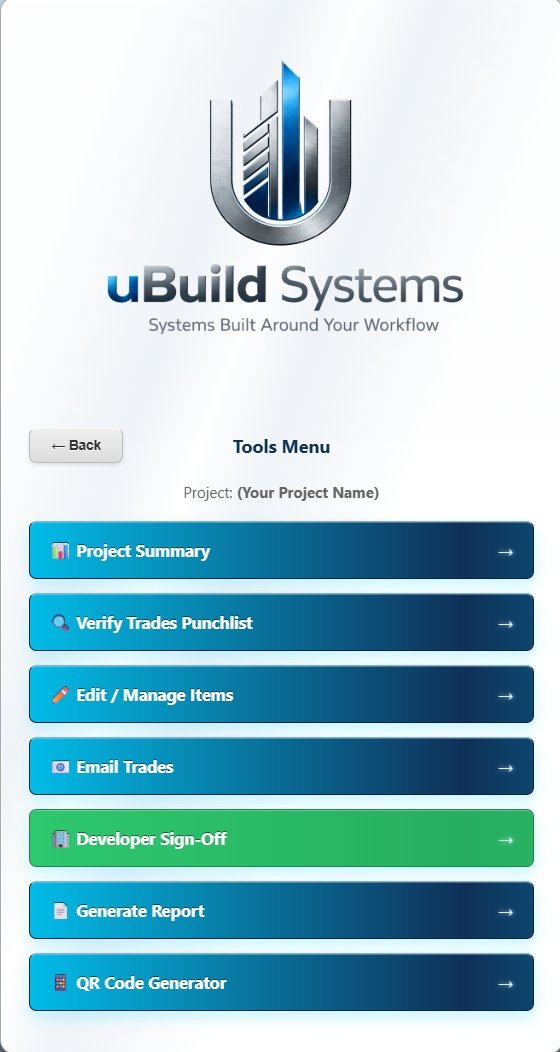
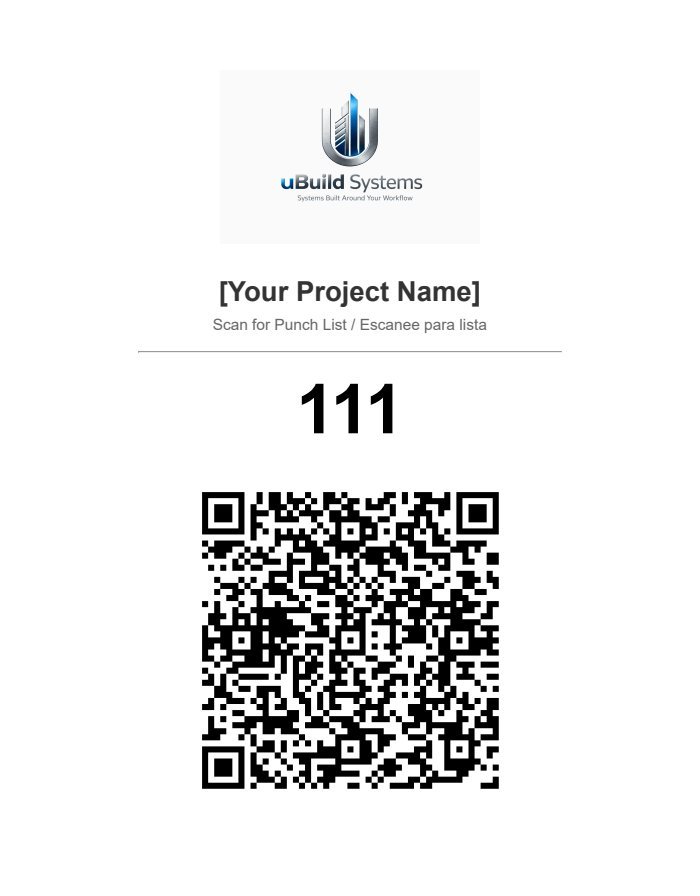
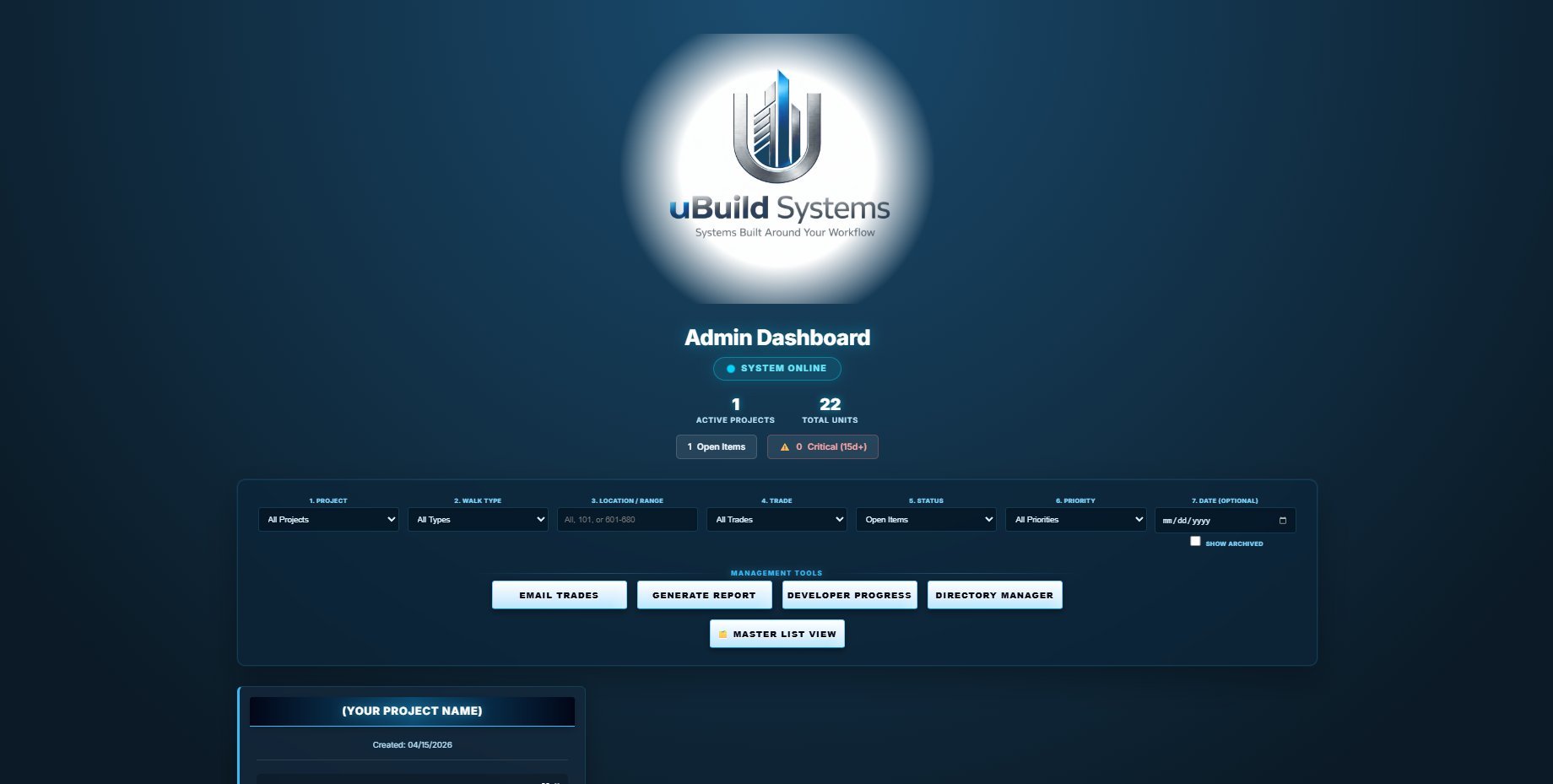
Walk the unit on your phone. Subs scan a QR — no app, no login — close their items with photo proof, and your branded report writes itself.
Explore Punchout → Every request, resolved.
Warranty & maintenance, resolved
Residents scan a QR and submit with photos. AI reads every request — warranty or maintenance — drafts the answer, and chases the work to a documented close.
Explore Solve →01 / During construction — Punchout
Walk the unit. Hit send. Subs handle the rest.
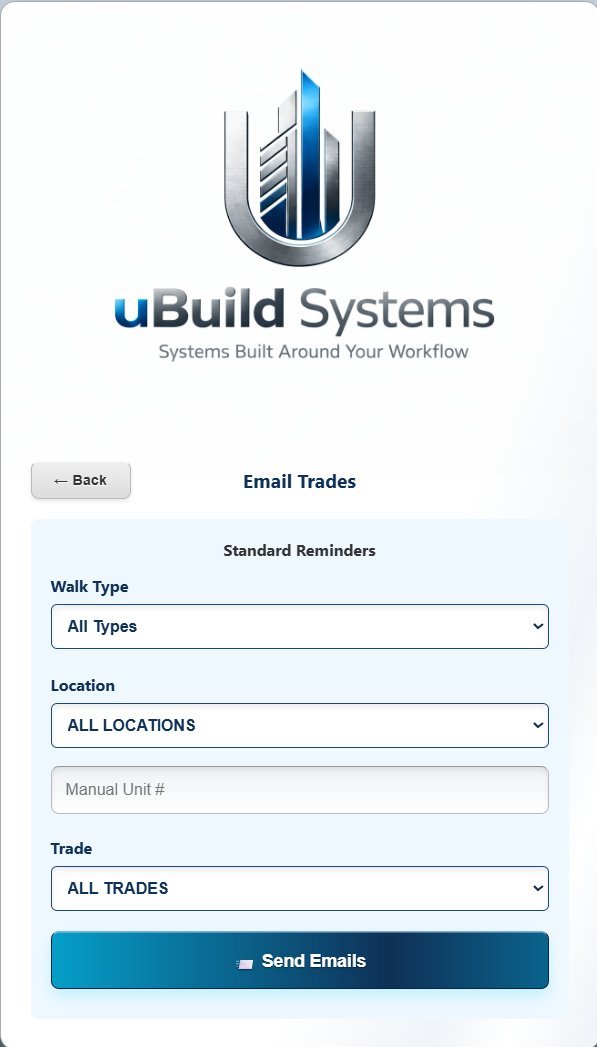
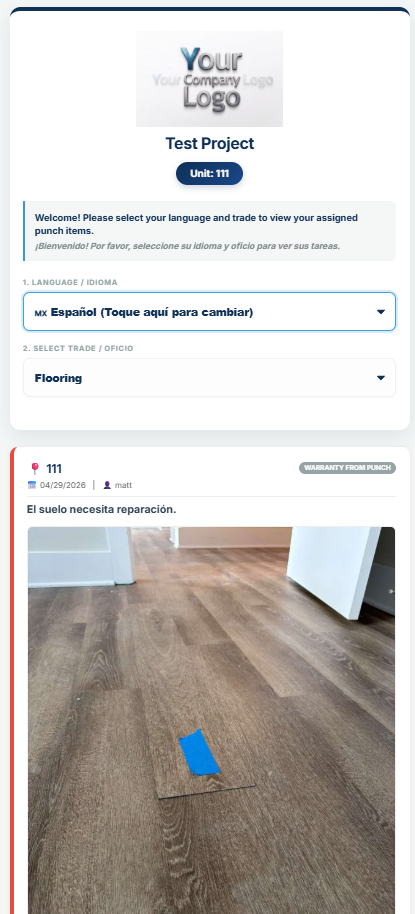
Enter items on your phone as you walk. One button emails every sub their list — they scan a QR, no app, no login, close their items with photo proof, and your branded report writes itself.
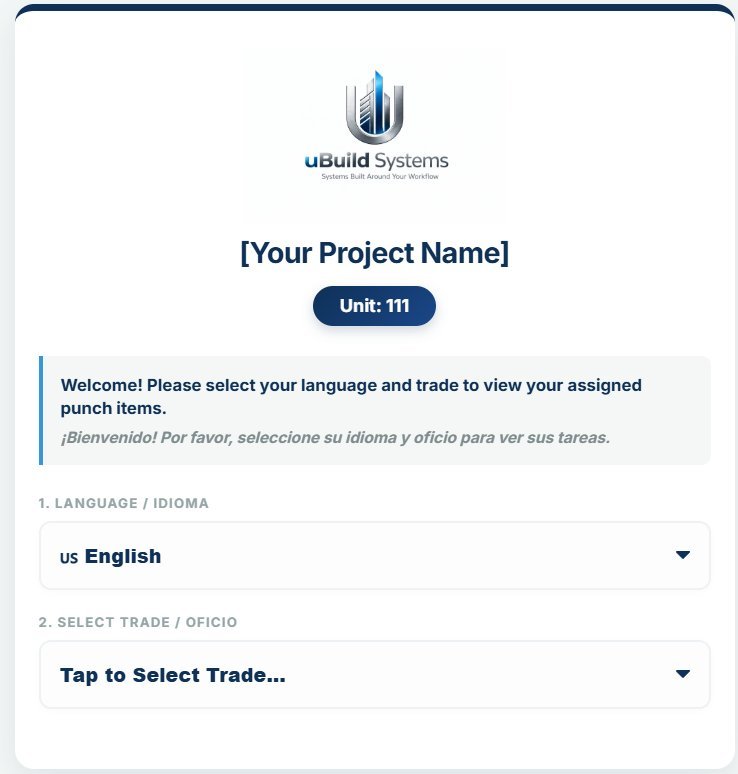
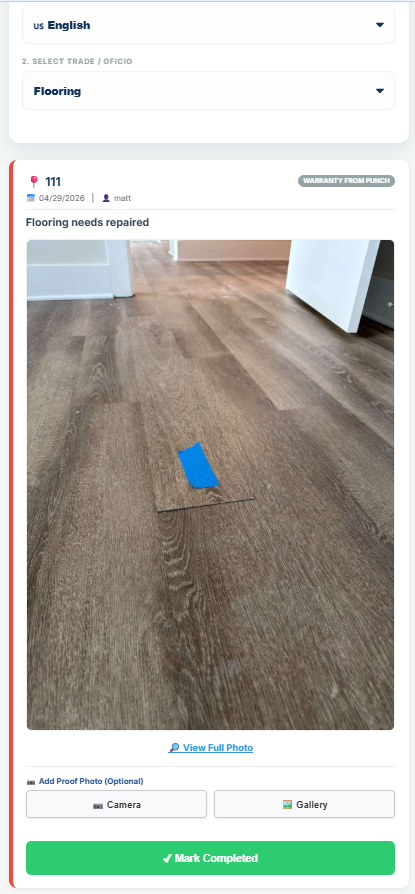
- QR codes on every unit — a sub scans and sees only their own items, locked to their trade.
- Photo proof or it didn't happen — completions hit your dashboard with a timestamped audit trail.
- One click emails every trade — plus weekly auto-sends and 5/10/15-day aging alarms on ignored work.
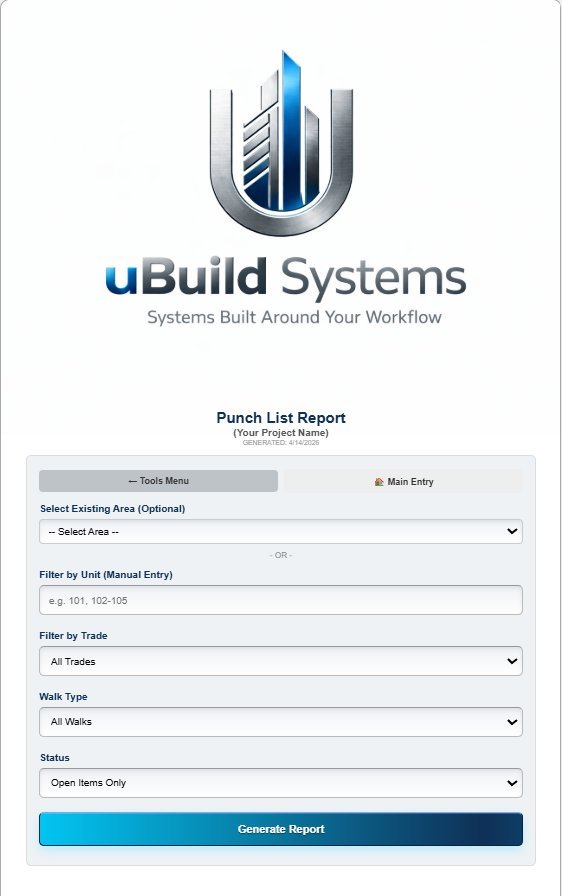
- Reports on your letterhead — an owner-ready, photo-filled PDF in one click.
- Spanish built in — subs flip their whole list to Español in one tap.
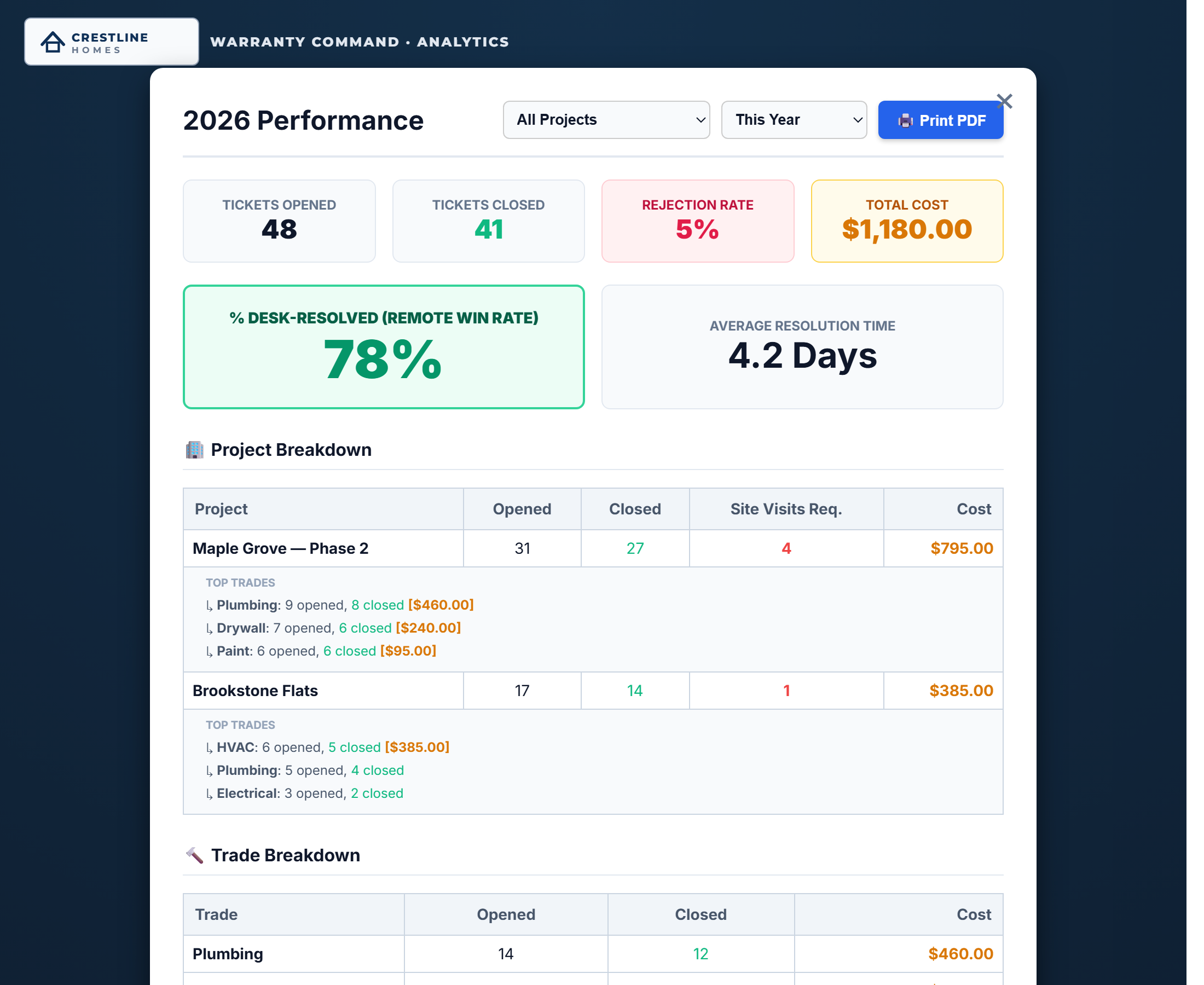
- Sub report cards — A–F grades from completion rate, turnaround, and back-charge dollars.
02 / After closeout — Solve
Then the warranty requests roll in. We built for that too.
Solve picks up where the punch list ends — and it doesn't stop at warranty. AI reads every resident request, weighs it against your coverage terms and the unit's warranty clock, and drafts the verdict for your review. Not covered? It routes to your maintenance crew as a work order instead of dying as a denial.
- AI triage, photos included — the verdict and the reply are drafted before you've read the email.
- Warranty or maintenance? Decided and routed automatically — and the resident is told honestly.
- Preventive maintenance — recurring building tasks on one schedule, with a daily digest that repeats until each one is done.
- QR codes everywhere — one per unit, pre-filled, plus building-wide codes for hallways and amenities.
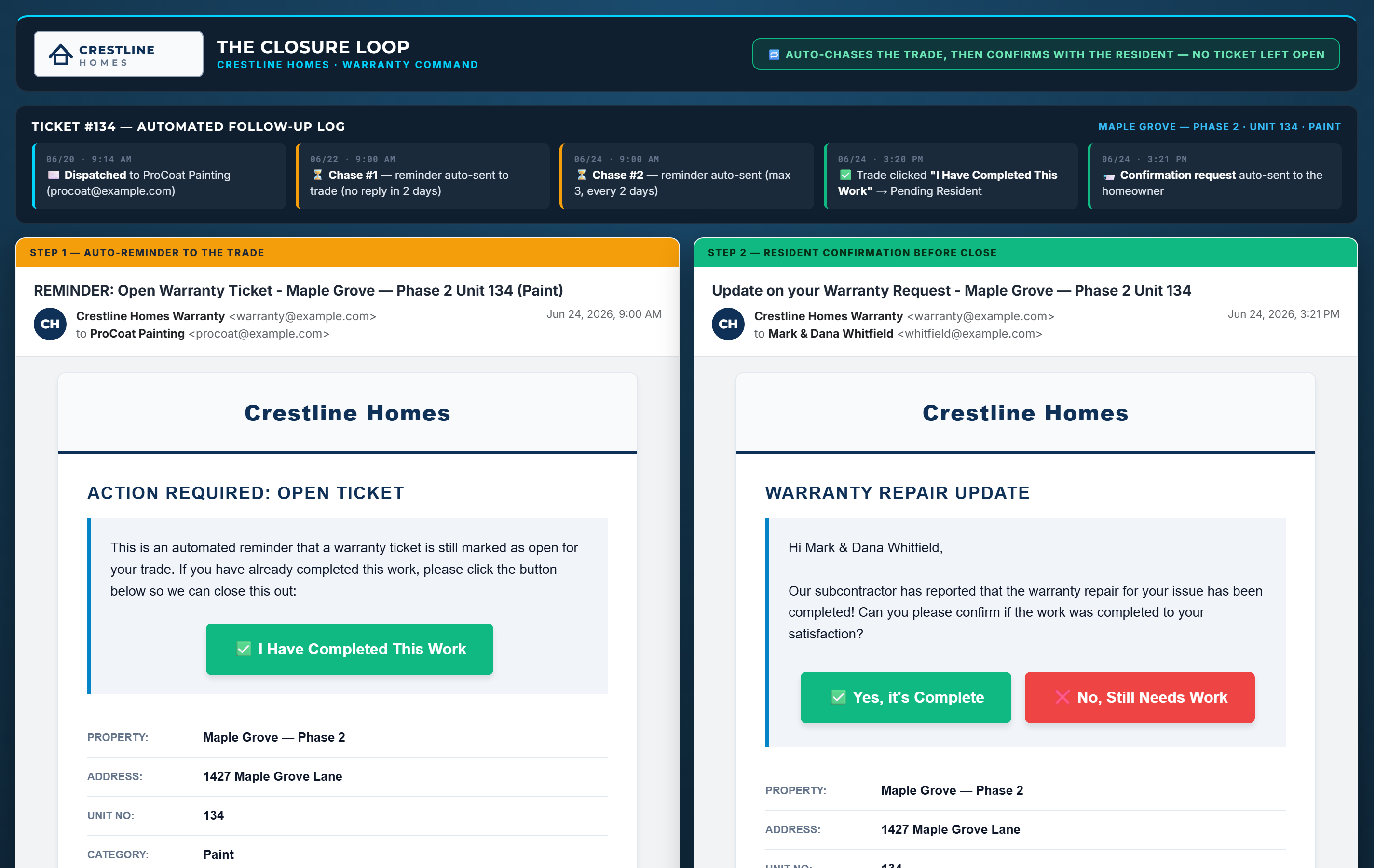
- Follow-ups on autopilot — silent contractors chased every two days; residents asked "did this fix it?" and a No reopens the ticket.
- Emergencies protected — a call-now lane that is never auto-denied and never auto-closed.


03 / Who built this
Built inside a construction company.
Not a tech office.
uBuild was built by a working Nashville homebuilder — by people who walk units, chase subs, and hand over keys for a living. It ran on real closeouts long before it had a logo. If a feature didn't survive the field, it didn't ship.
04 / Book a demo
See it on a real project.
We'll walk you through it on a real project. No pressure.
Prefer to poke around yourself first? The live demo is open — no signup required.
Or email us directly: matt@ubuildsystems.com
The actual product — shot on real jobsites